
General Info
Design Studio
Decoration
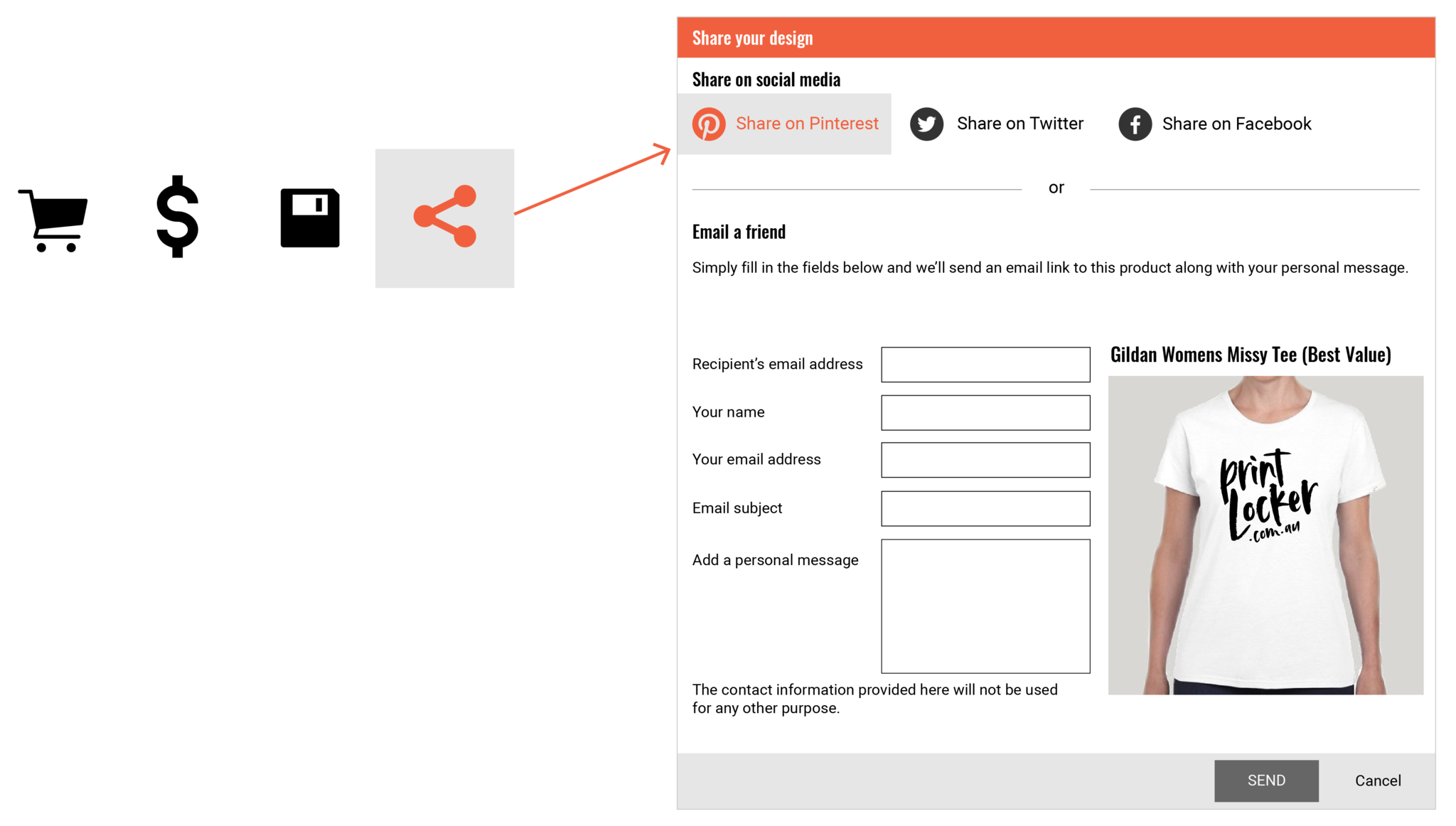
You can share your designs with friends and colleagues by clicking the share design icons in the bottom right corner of the design studio.
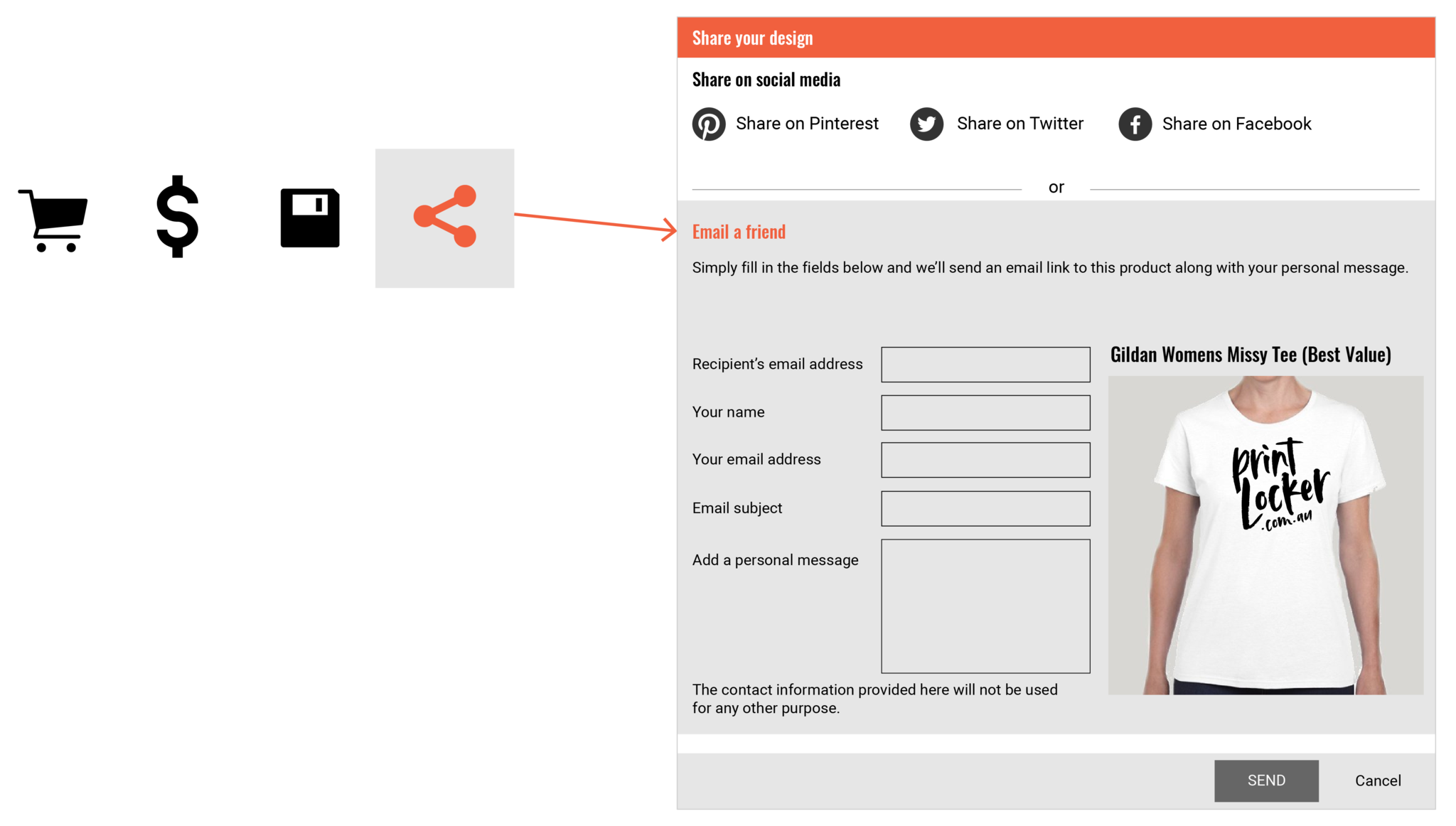
Sharing Via Email
Click the email share icon and enter your email and name, the recipient's email address, and a message to go in the email. Click 'Send Email'.
We recommend saving your layout first before sending or sharing.
Sharing Via Facebook
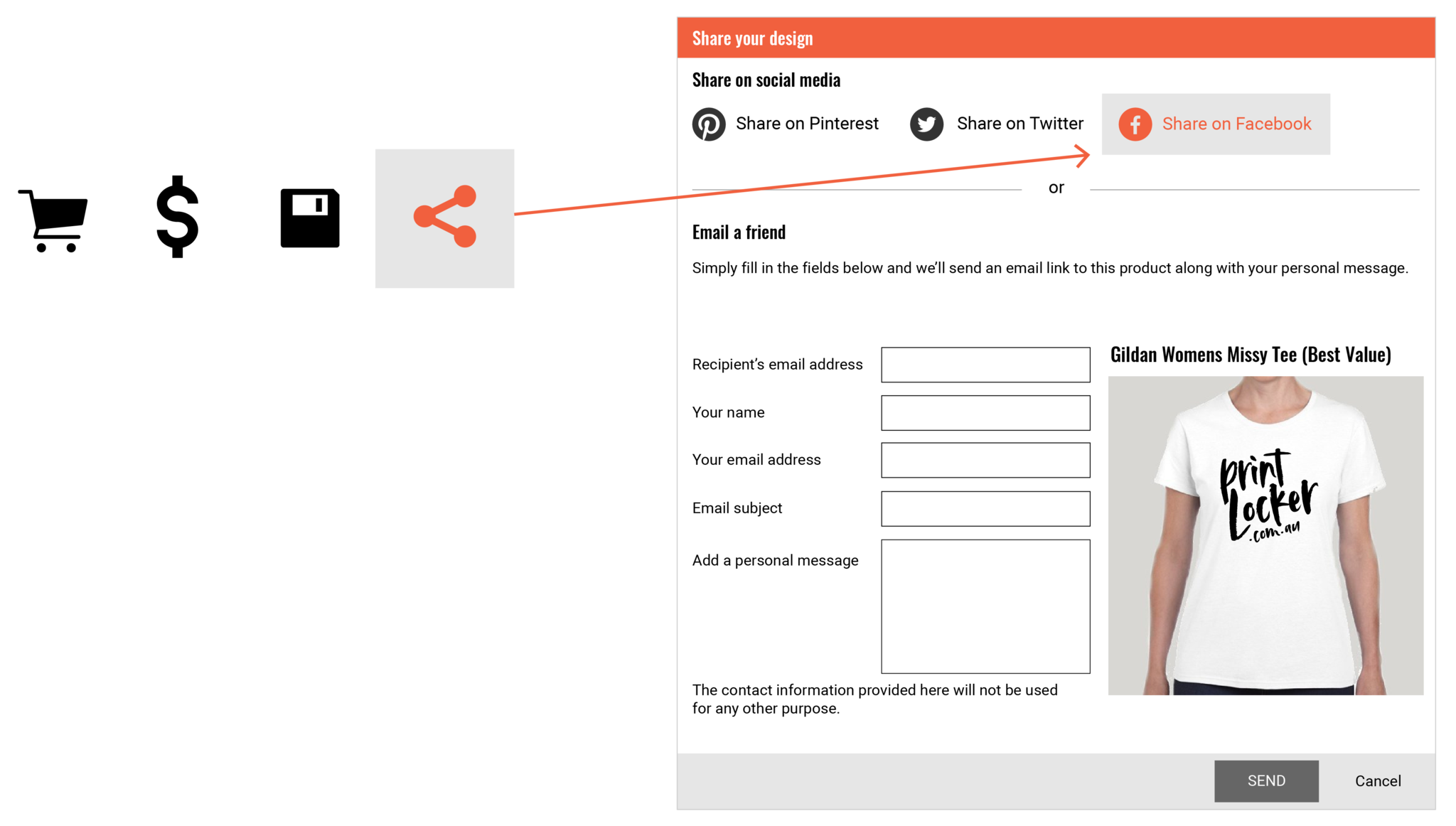
Click the Facebook share icon to post your design in your Facebook news feed.
We recommend saving your layout first before sending or sharing.
Sharing Via Twitter
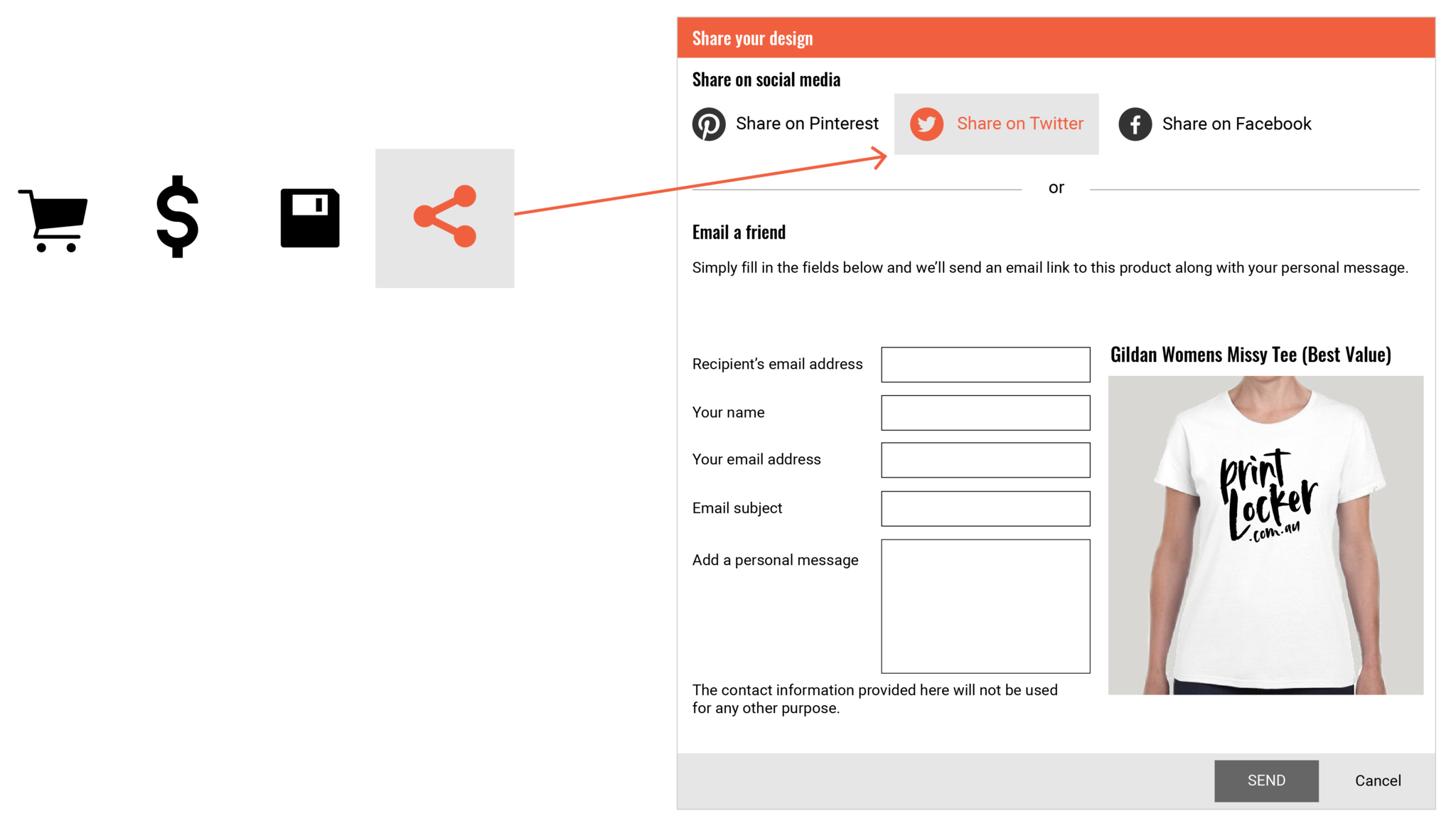
Share a link to your design on Twitter by clicking the Twitter icon in the bottom right of the design studio.
We recommend saving your layout first before sending or sharing.
Sharing Via Pinterest
Click the Pinterest icon. From the pop up window, click the Pin It button under the image you want to pin.
We recommend saving your layout first before sending or sharing.